Free Practice Workbook
Exercise Workbook:
This is our pivot table. And you can see the 2 field headers on top:
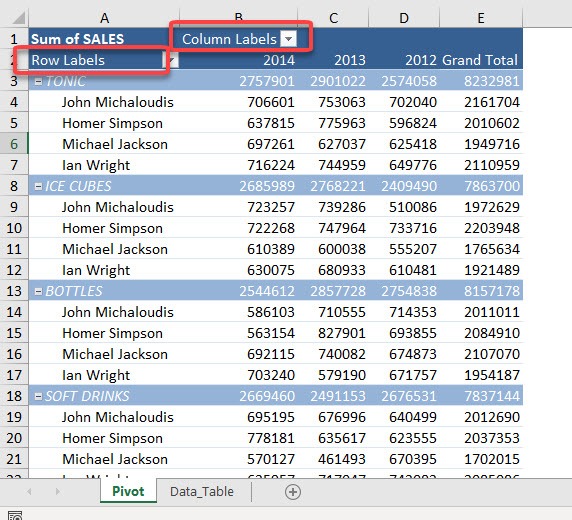
STEP 1: Go to PivotTable Analyze > Show > Field Headers
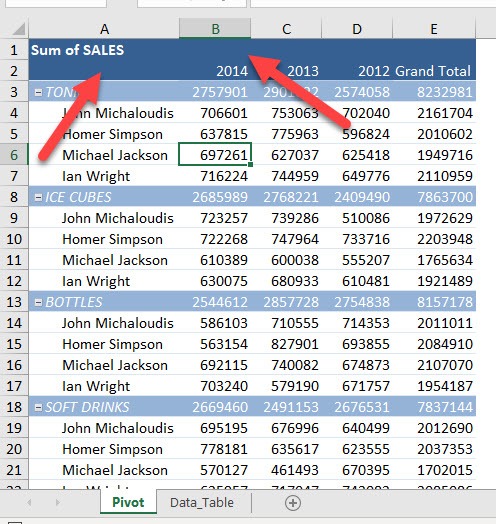
Click on it to hide the field headers:

And they are now hidden!
You can click on the same button to show them again.
The headers will be visible again!
Make sure to download our FREE PDF on the 333 Excel keyboard Shortcuts here:

Bryan
Bryan is a best-selling book author of the 101 Excel Series paperback books.

 30 Days - Full Access