Table of Contents
Why use Keyboard Shortcuts?
As an avid Excel user, I’ve found that mastering keyboard shortcuts is akin to knowing a secret language — a language that unlocks speed and efficiency within the vast workbook universe.
Keyboard shortcuts in Excel are the power tools that facilitate quick navigation, formatting, and effortless data manipulation. With a few key presses, we can accomplish what would otherwise require several mouse clicks.
Streamlining workflows is essential, especially when dealing with complex spreadsheets. We can save a significant amount of time and reduce the possibility of errors by using keyboard shortcuts. This efficiency allows us to breeze through tasks that would normally be tedious, such as data entry, formatting, and even executing complex calculations.
It’s like having a set of productivity superpowers at our fingertips, helping us to stay focused on the analysis rather than getting bogged down by the mechanics of software manipulation.
What are Keyboard Shortcuts?
To Switch Tabs
- To a specific tab, you can press
Ctrl+1/2/3/4/5/6/7/8/9to jump directly to the first several tabs in your workbook. - For tab navigation, use
Ctrl+Page Upto go to the previous tab to the left - Use
Ctrl+Page Downmoves you to the next tab to the right. - To toggle between tabs in the order they appear,
Ctrl+Tabis your go-to. This will move you one worksheet to the right. - And if you need to reverse the toggle direction, simply add the
Shiftkey into the mix –Ctrl+Shift+Tab.
To jump to a Specific Worksheet
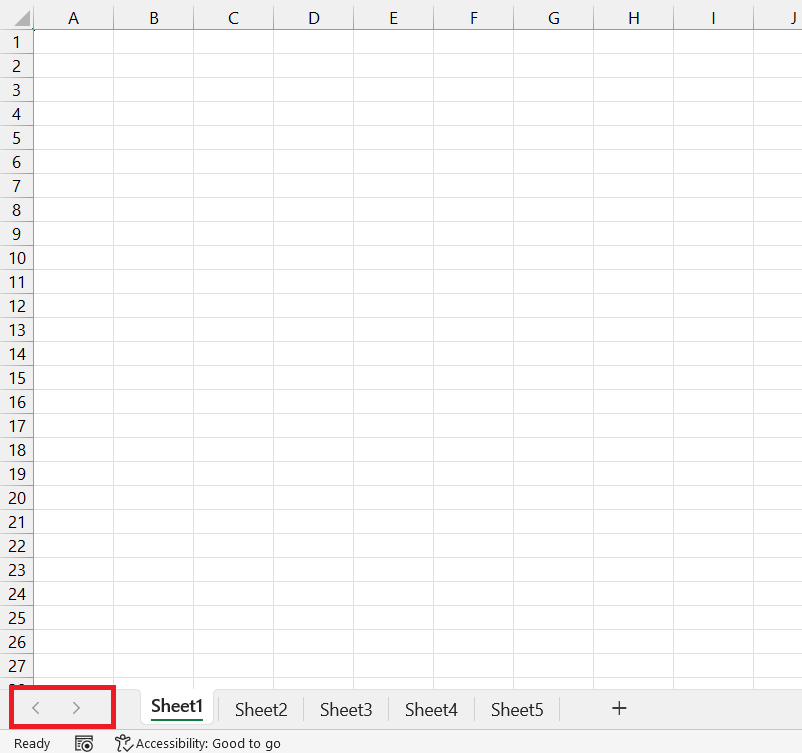
STEP 1: Right-click on the arrows at the bottom-left corner of the Excel window (next to the worksheet tabs).
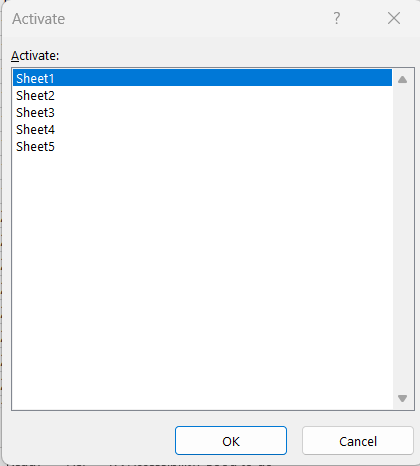
STEP 2: A list of all the worksheet names will appear.
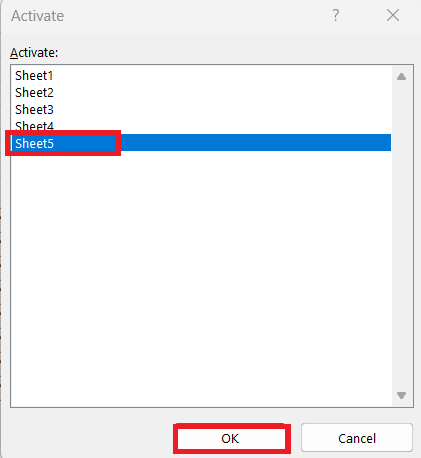
STEP 3: Click on the desired sheet name and click OK.
Naming Worksheets for Easier Navigation
STEP 1: Double-click the worksheet tab.
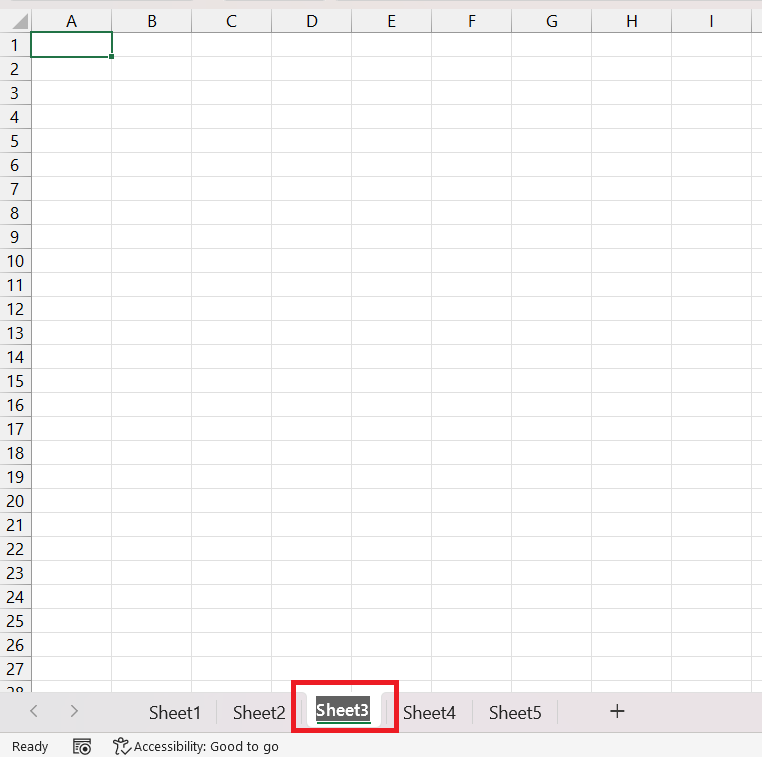
STEP 2: Type a new name. Press Enter to save it.
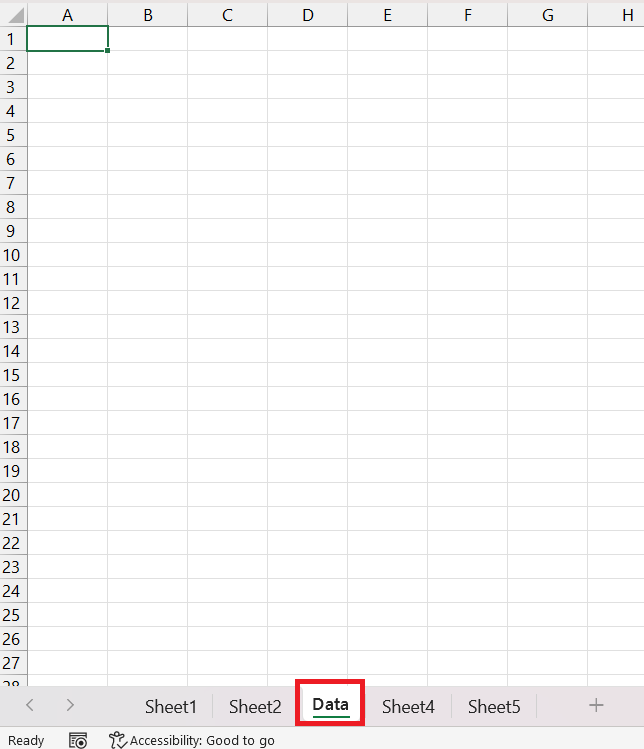
Clear tab names combined with the shortcuts make navigation a breeze.
FAQs
How to switch tabs in Excel?
- Use
Ctrl+Page Downto navigate to the next sheet to the right - Use
Ctrl+Page Upto move to the previous sheet to the left.
What is the shortcut key for switching tabs in Mac?
On a Mac, use Command + Fn + Up Arrow for the previous sheet and Command + Fn + Down Arrow for the next sheet.
Why can’t I see the hidden sheets in Excel?
To view hidden sheets in Excel:
- Right-click on any visible tab
- Select Unhide
- Choose the sheets to unhide
How to move between tabs in order?
You can use Ctrl + Tab to move forward.
How to move backward between tabs?
You can use Ctrl + Shift + Tab to move backward between tabs.

John Michaloudis is a former accountant and finance analyst at General Electric, a Microsoft MVP since 2020, an Amazon #1 bestselling author of 4 Microsoft Excel books and teacher of Microsoft Excel & Office over at his flagship MyExcelOnline Academy Online Course.

 30 Days - Full Access









