Microsoft Power Platform is a collection of low-code tools from Microsoft. It lets users build apps, automate tasks, analyze data, and create business solutions with little or no code. In this article, you will learn all about the Microsoft Power Platform.
Key Takeaways:
- Microsoft Power Platform helps build business solutions with little or no code.
- Power Apps is used to create custom applications.
- Power Automate helps automate repetitive tasks.
- Power BI helps analyse data and create dashboards.
- Power Pages and Copilot Studio help build websites and AI agents.
Table of Contents
Introduction to Microsoft Power Platform
Microsoft Power Platform is a collection of low-code tools used to turn data into useful solutions. It uses templates and simple formulas instead of writing full-fledged code. The platform includes:
- Power BI
- Power Apps
- Power Automate
- Power Pages
- Copilot Studio
Main Components of Microsoft Power Platform
1. Microsoft Power Apps
Microsoft Power Apps are used to build custom business apps for web and mobile. You can build applications for internal business processes, data collection, task management, and more.
Common uses of Power Apps:
- Creating employee attendance applications.
- Managing inventory and stock records.
- Building customer information systems.
- Recording expenses and business transactions.
- Tracking maintenance requests.
2. Microsoft Power Automate
Microsoft Power Automate helps automate repetitive tasks and business workflows. It connects with different applications and services so that actions can take place automatically when a particular event occurs.
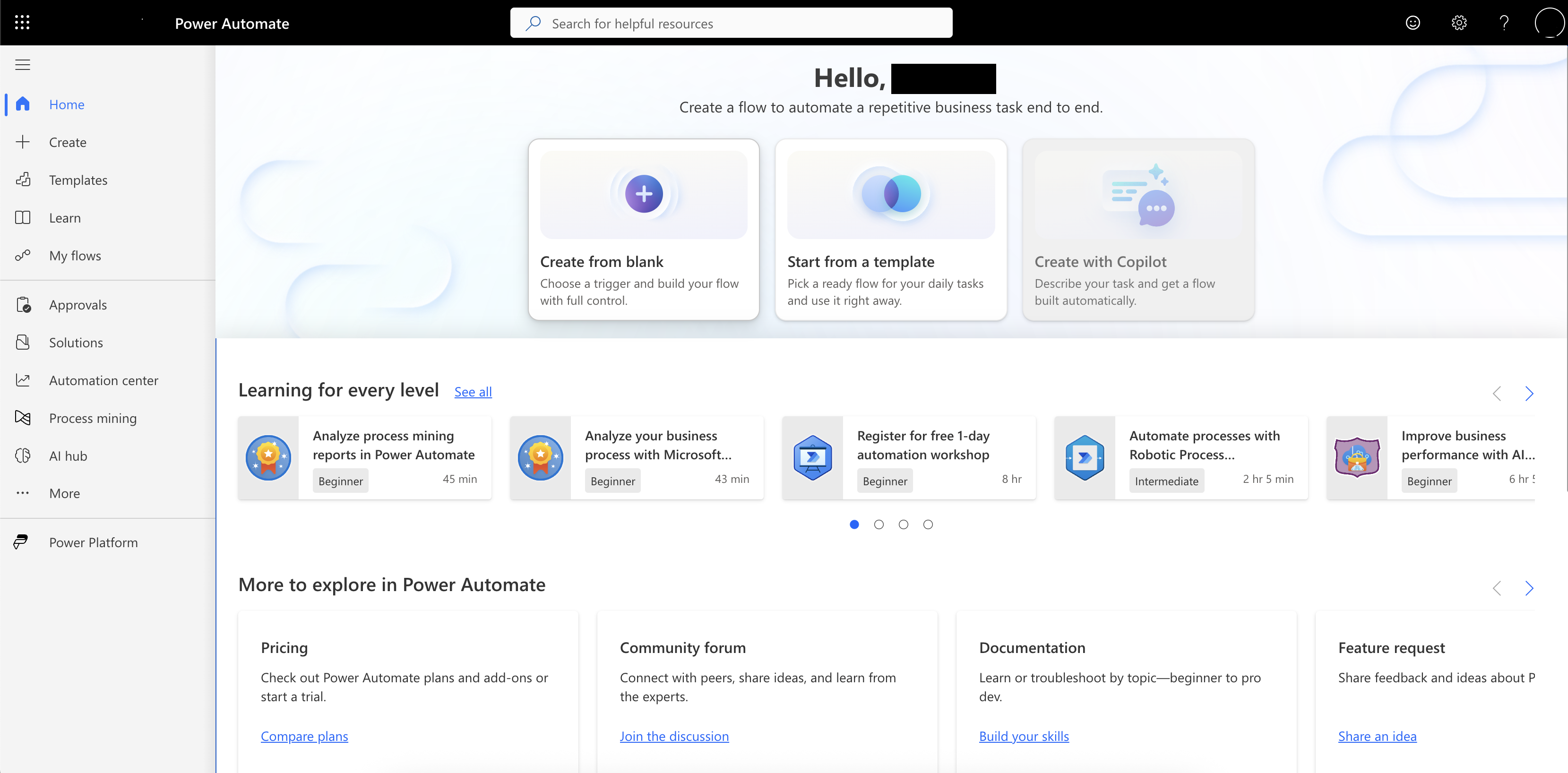
Common uses of Power Automate:
- Sending email notifications once a form is submitted.
- Creating approval workflows for expenses.
- Saving email attachments to SharePoint or OneDrive.
- Updating records when information changes.
- Sending reminders for pending tasks.
3. Microsoft Power BI
Power BI is a business intelligence tool used to analyze data and create interactive reports and dashboards. It helps users understand business performance through visualizations.
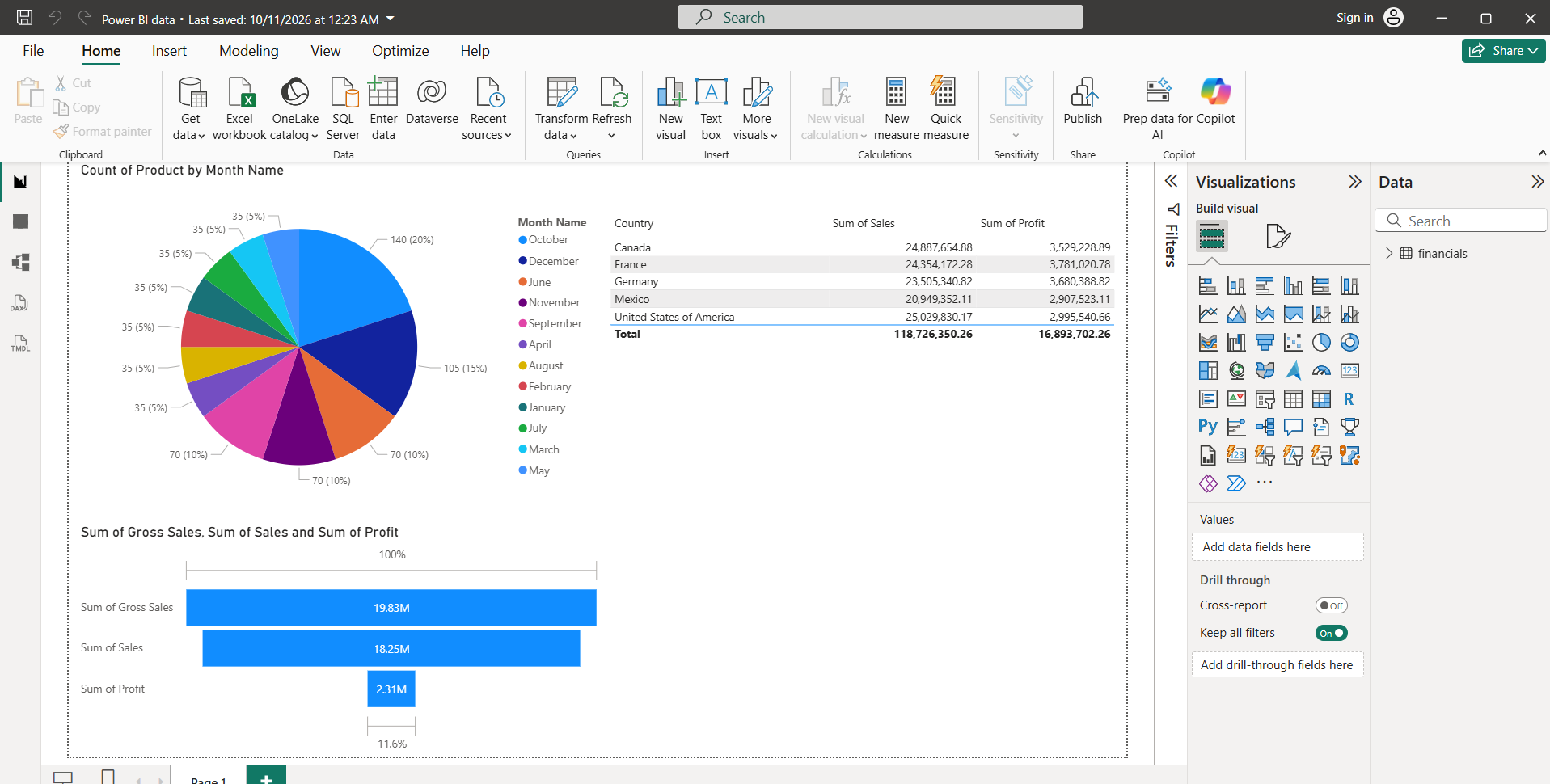
Common uses of Power BI:
- Analyzing sales and revenue.
- Tracking expenses and profitability.
- Monitoring inventory levels.
- Comparing regional performance.
- Creating financial and operational dashboards.
4. Microsoft Power Pages
Power Pages can be used to create business websites using low-code tools. These websites can allow customers, suppliers, and other external users to access information or submit data.
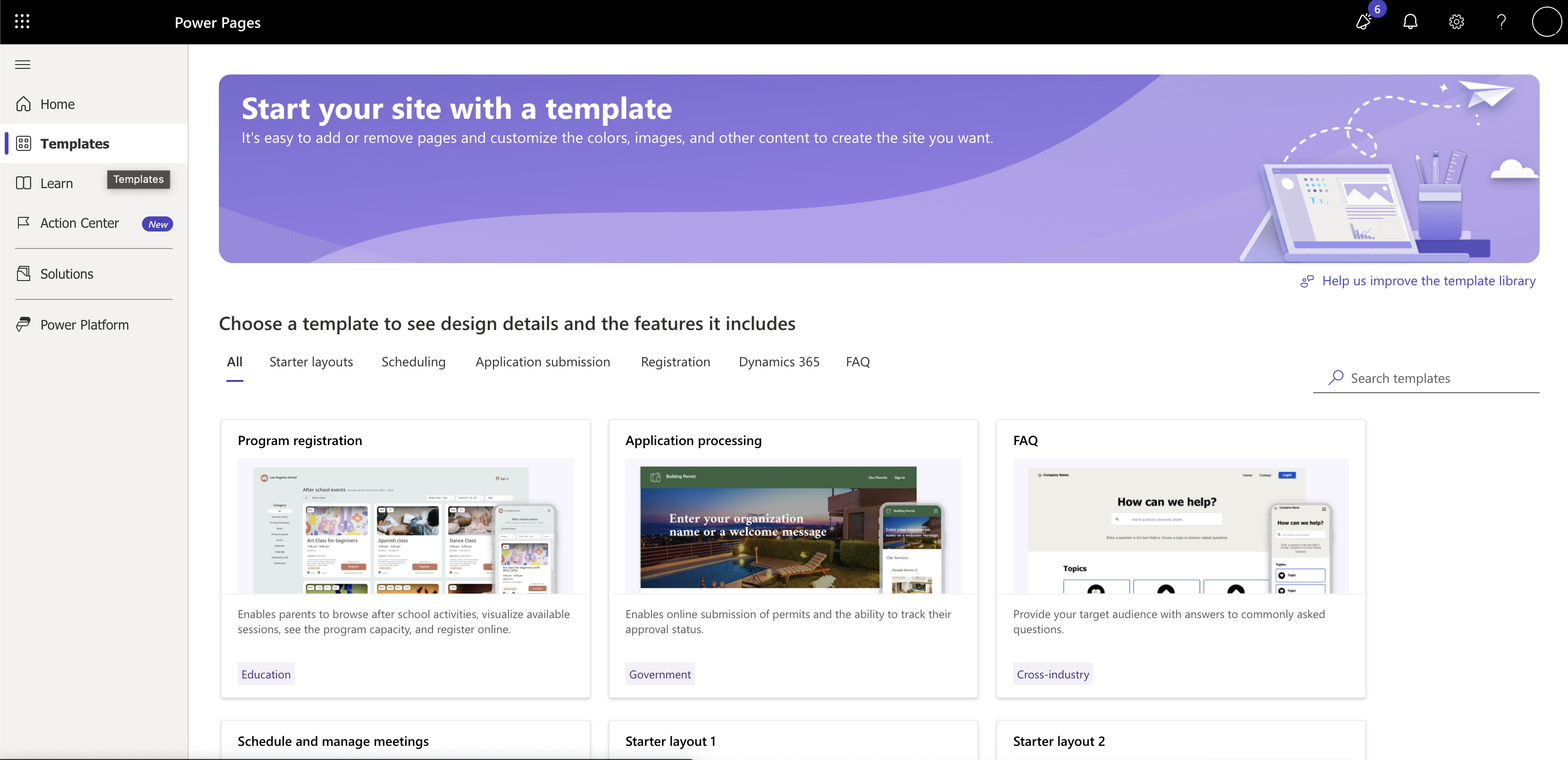
Common uses of Power Pages:
- Creating self-service portals.
- Building registration websites.
- Collecting customer feedback.
- Managing service requests.
5. Microsoft Copilot Studio
Copilot Studio is a user-friendly tool designed to build and customize AI agents. These agents can be used to answer questions and perform configured actions.
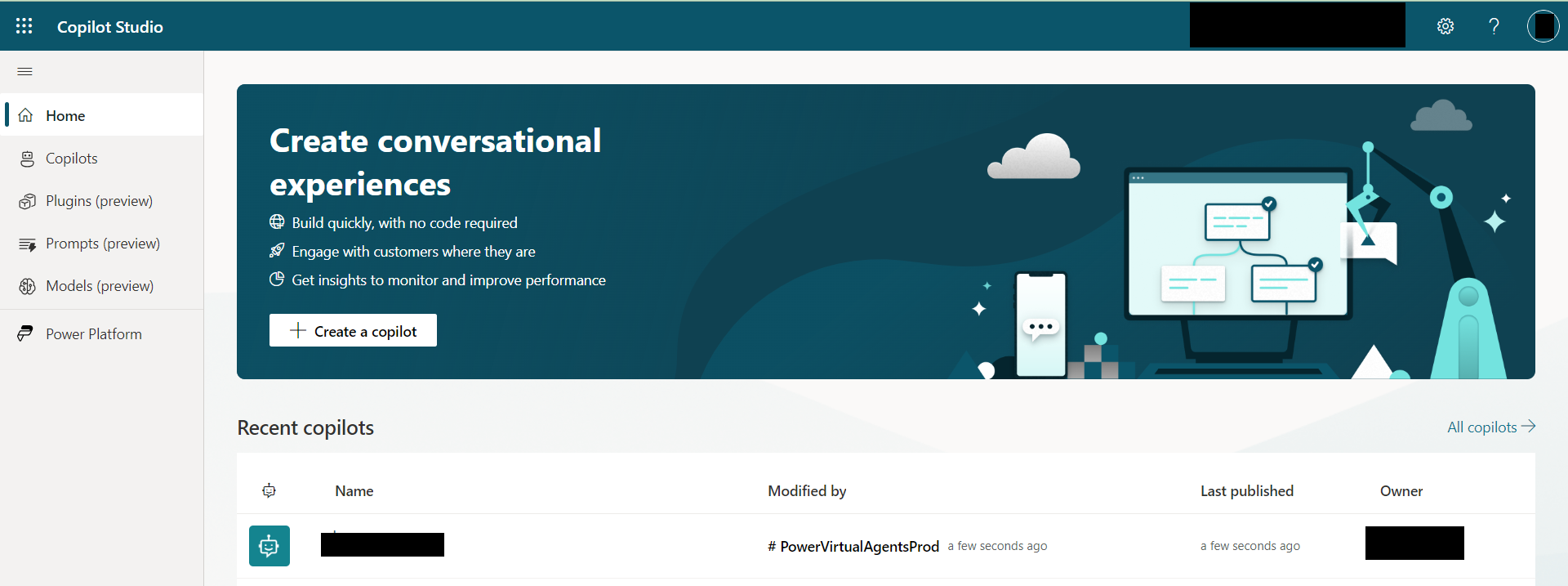
Common uses of Copilot Studio:
- Answer employee questions.
- Answer customer questions regarding the product.
- Provide information from approved knowledge sources.
- Assist employees with internal processes.
Microsoft Power Platform Use Cases
You can use Microsoft Power Platform in different departments and business functions.
| Department | Example use case | Suitable tool |
|---|---|---|
| Sales | Track sales performance and targets | Power BI |
| Human Resources | Build an employee leave application | Power Apps |
| Finance | Automate expense approval requests | Power Automate |
| Customer Service | Create a customer support portal | Power Pages |
| IT Support | Build an agent to answer common questions | Copilot Studio |
| Operations | Track inventory and stock movements | Power Apps and Power BI |
| Management | Monitor business KPIs | Power BI |
FAQs
1. What is Microsoft Power Platform?
Microsoft Power Platform is a collection of low-code tools available in Microsoft. It is used to build apps and automate tasks.
2. What are the main tools in Microsoft Power Platform?
The five main tools are:
- Power Apps
- Power Automate
- Power BI
- Power Pages
- Copilot Studio
3. Is Microsoft Power Platform free?
Some features of Microsoft Power Platform are included in existing subscriptions. Other features require separate licenses.
4. Can beginners use Microsoft Power Platform?
Yes. Microsoft Power Platform is beginner-friendly. You can use it to build solutions using drag-and-drop tools and templates.
5. Can Microsoft Power Platform work with Excel?
Yes. It can connect to Excel to automate tasks and analyze data.

John Michaloudis is a former accountant and finance analyst at General Electric, a Microsoft MVP since 2020, an Amazon #1 bestselling author of 4 Microsoft Excel books and teacher of Microsoft Excel & Office over at his flagship MyExcelOnline Academy Online Course.

 30 Days - Full Access