Microsoft offers various productivity tools that help you finish tasks faster. These tools help students, professionals, businesses, and remote teams. In this article, you will learn all about the Top 10 Microsoft productivity tools.
Key Takeaways:
- Excel and Word help with organising data and analysing it.
- PowerPoint can help you create and edit presentations.
- Outlook and Teams are used for communication and collaboration with teammates or clients.
- OneDrive, OneNote, Planner, and To Do help organize files and notes.
- Power Automate helps automate repetitive tasks.
Table of Contents
What Are Microsoft Productivity Tools?
Microsoft Productivity Tools are applications that can help you complete your work more efficiently. They include tools for creating documents, managing projects, organizing files, communicating with colleagues, and automating tasks. Some of these tools are available as desktop applications, and others can be used in a web browser.
Top 10 Microsoft Productivity Tools
1. Microsoft Excel
Microsoft Excel is a spreadsheet application that is used to organise data, perform calculations, create dashboards, and analyse information. It is useful for financial reports, budgets, sales analysis, inventory tracking, etc.
2. Microsoft Word
Microsoft Word is a word processing application that is used to create or edit a document. It can be used to prepare reports, business proposals, meeting notes, letters, and other professional documents.

3. Microsoft PowerPoint
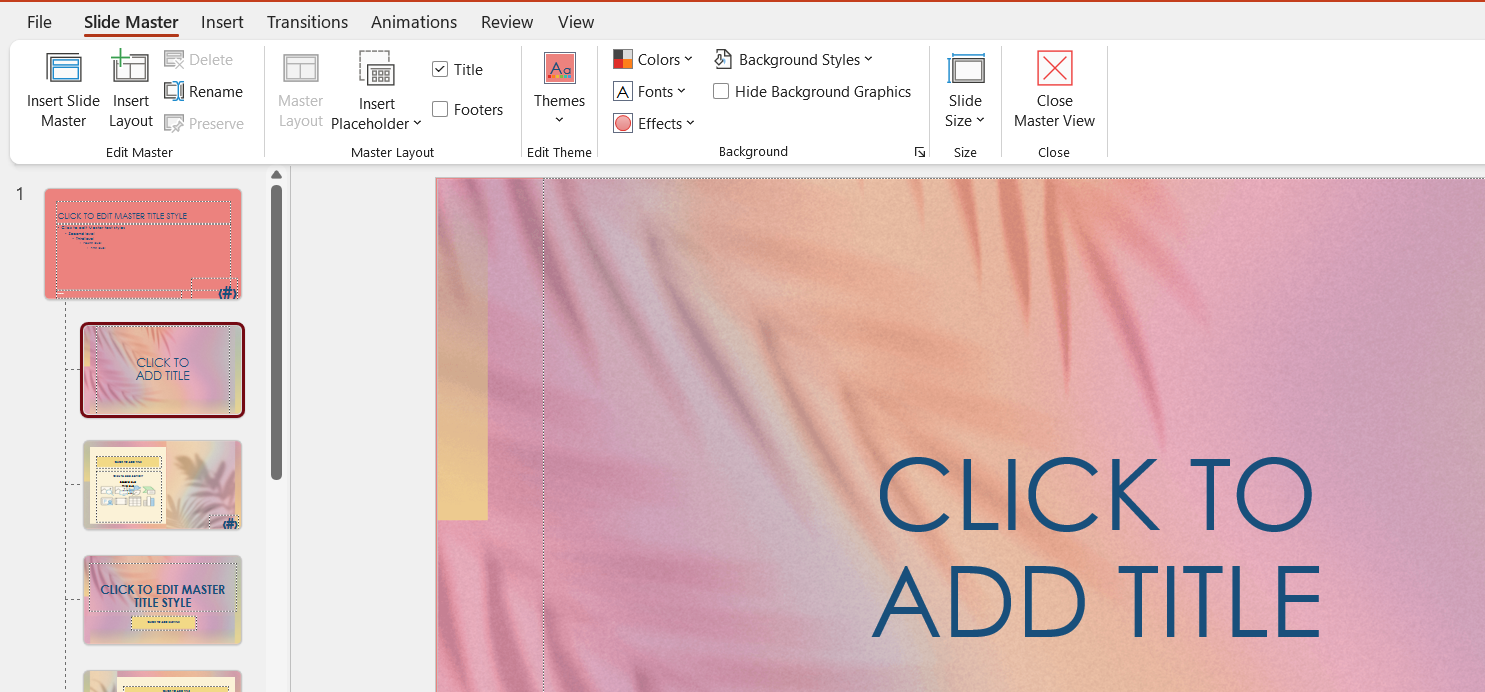
Microsoft PowerPoint helps you create presentations for meetings, training sessions, business proposals, and educational purposes.
4. Microsoft Outlook
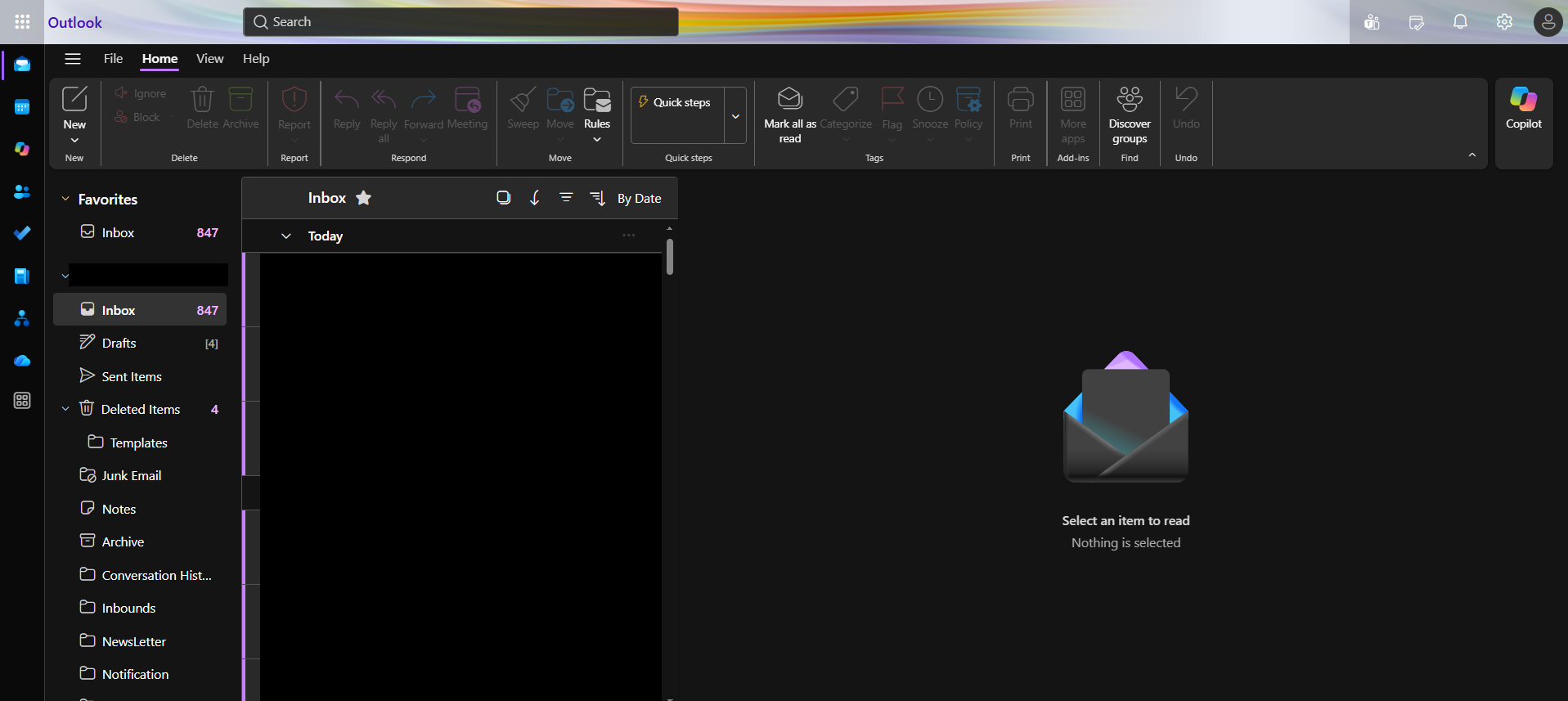
Microsoft Outlook is an email and calendar application that helps you manage business communication and appointments. It is particularly useful for professionals who handle multiple email conversations and meetings every day.
5. Microsoft Teams
Microsoft Teams is a communication and collaboration platform for individuals and organizations. It brings chats, meetings, calls, and shared files in one place.

6. Microsoft OneDrive
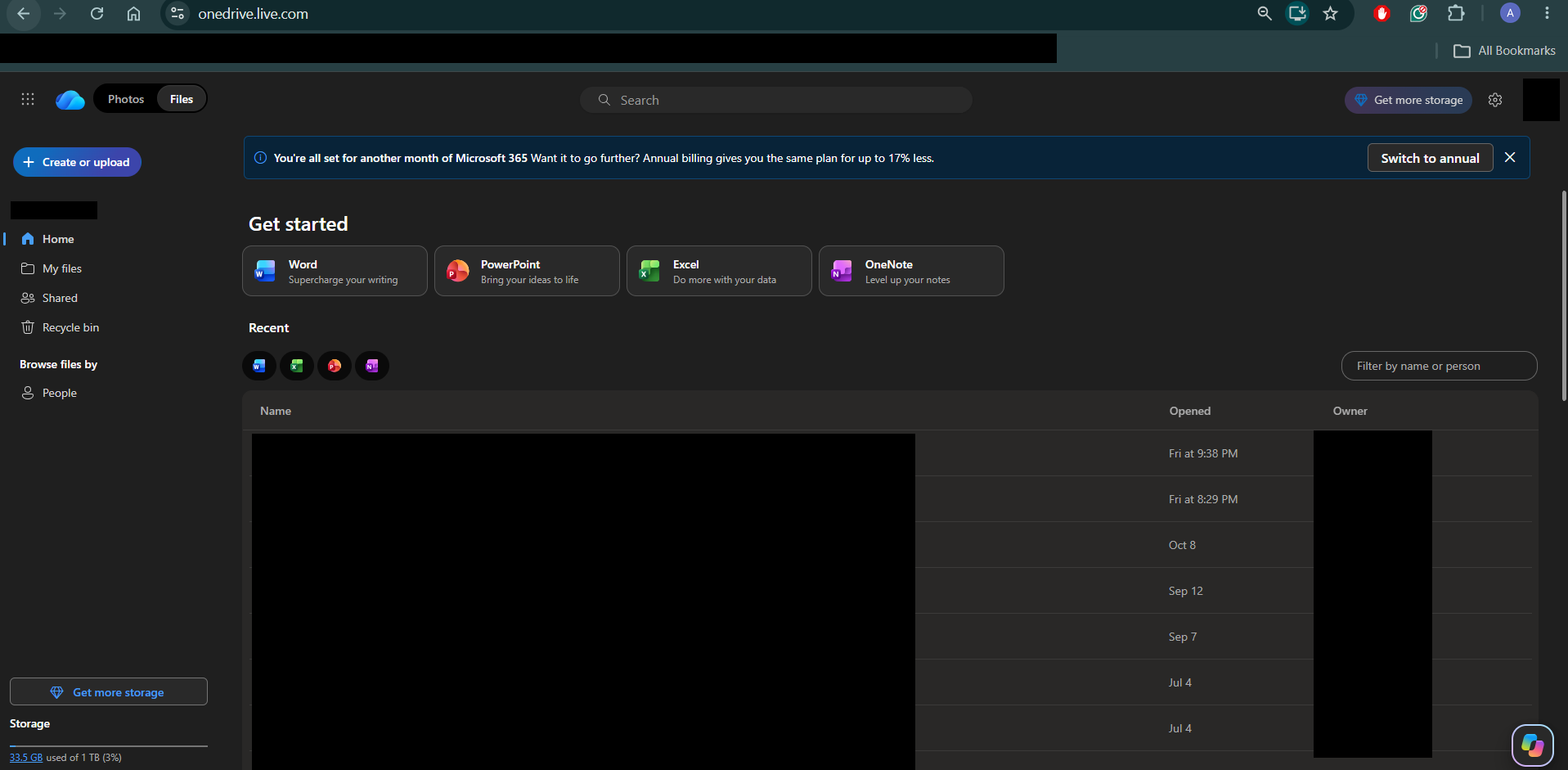
Microsoft OneDrive is a cloud storage service. It allows you to synchronise your data from a local folder with the cloud. You can share your data with friends, family, colleagues, and even co-workers, and access the documents across devices.
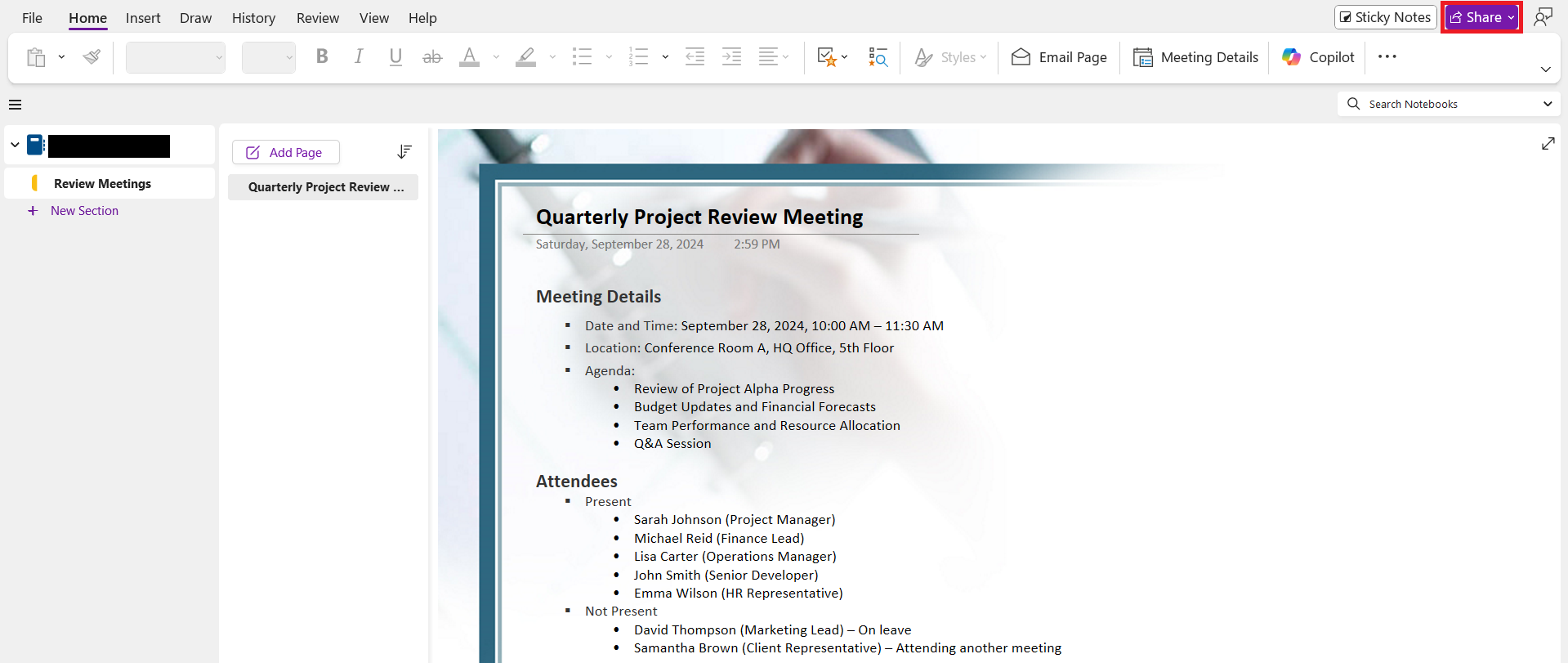
7. Microsoft OneNote
Microsoft OneNote is a digital application used to:
- Jot down notes in one place
- Store content like text, images, hyperlinks, audio, and even video
You can use it across devices, including PC, laptop, tablet, and phone.
8. Microsoft Planner
Microsoft Planner is a task and project management tool that helps teams organize work and track progress. It is useful for managing team projects, marketing campaigns, content calendars, and recurring business activities.

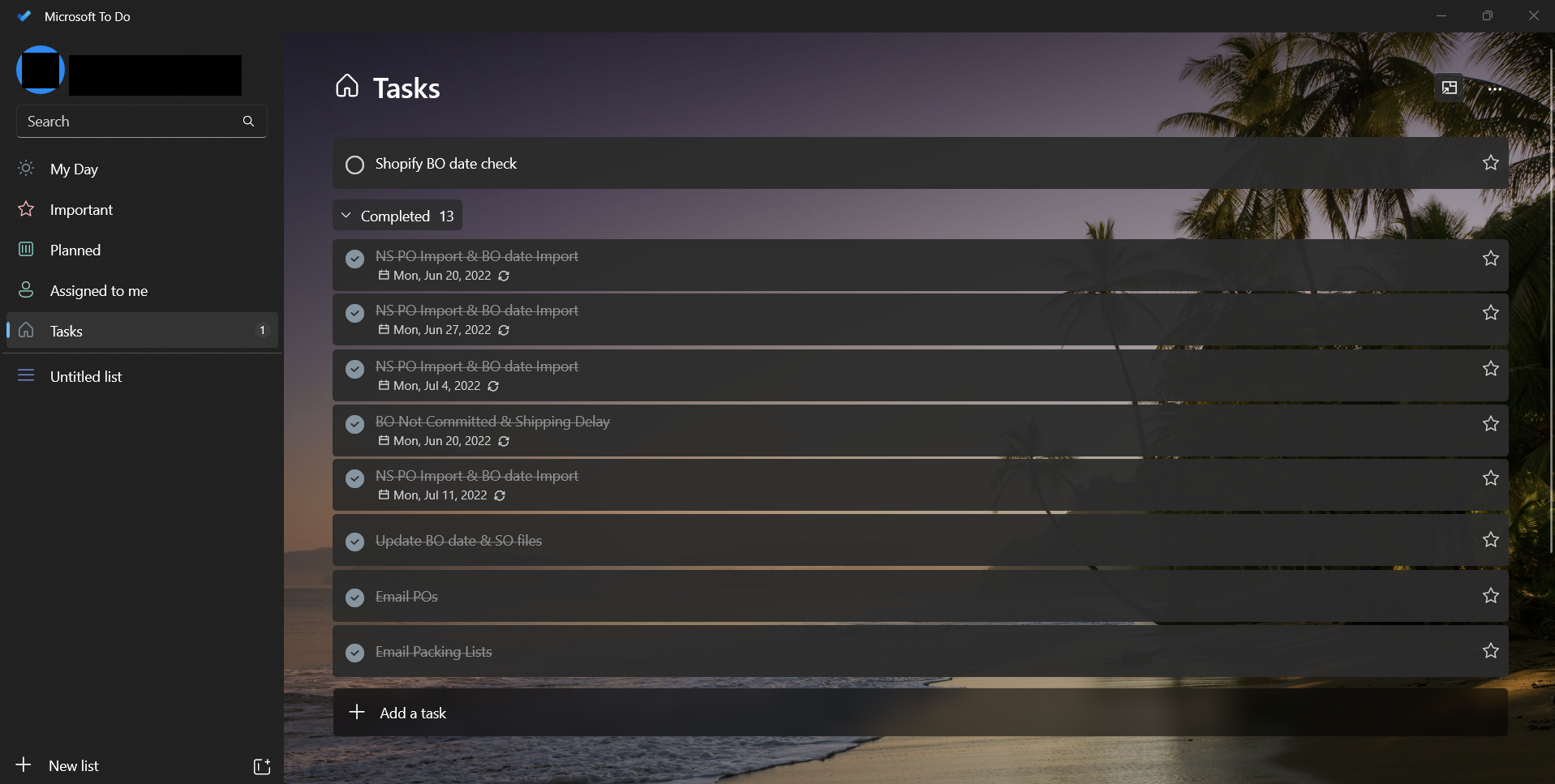
9. Microsoft To Do
Microsoft To Do is a personal task management application. It is used to organize daily activities and remember deadlines.
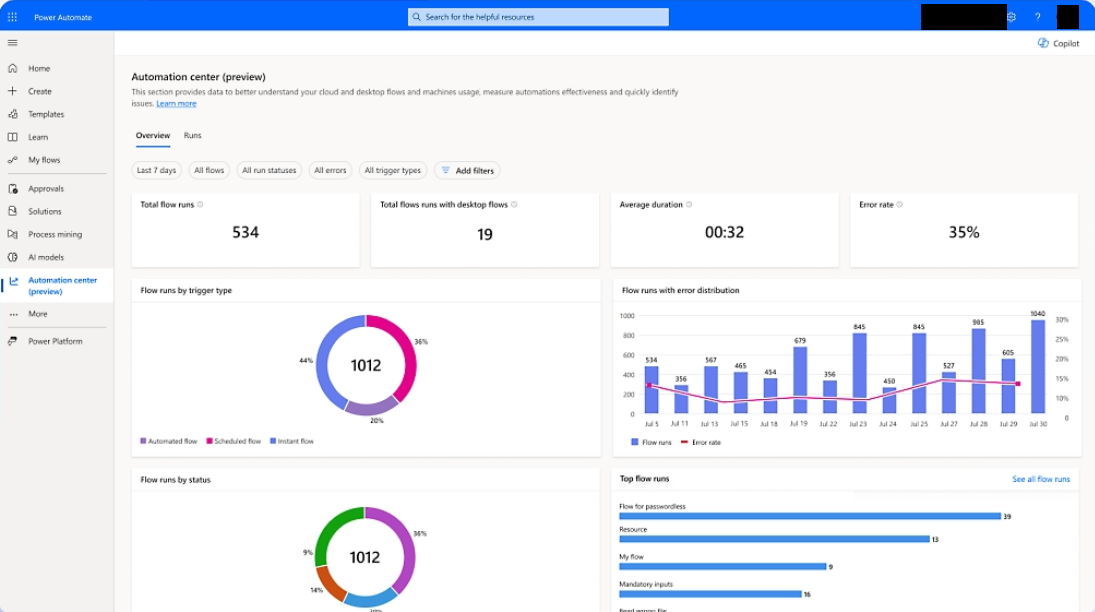
10. Microsoft Power Automate
Microsoft Power Automate is a workflow automation service. It allows you to automate repetitive tasks across supported applications and services.
Tips & Tricks
- You can create templates to create documents and reports faster.
- You can store shared files in OneDrive for better collaboration.
- Make sure that the task list is updated regularly to avoid missing deadlines.
- To discuss project conversations, you can use a Teams channel.
- You should automate tasks that you are performing regularly.
- It is better to use keyboard shortcuts for applications that you use frequently.
- Make sure to review content and calculations done by AI before using it.
FAQs
1. What are Microsoft productivity tools?
Microsoft productivity tools are applications that can be used to increase the efficiency of users. They can help you create documents, analyze data, manage tasks, communicate, and automate work.
2. Which Microsoft productivity tools are best for office work?
The Microsoft productivity tools that are best for office work are:
- Excel
- Word
- PowerPoint
- Outlook
- Teams
3. Are Microsoft productivity tools free?
Some Microsoft tools are offered to users free of charge. However, others require a Microsoft 365 subscription or a separate license.
4. Which Microsoft tool is best for project management?
Microsoft Planner is the best tool for project management. It can be used to manage projects and track tasks.
5. How does Microsoft Copilot improve productivity?
Microsoft Copilot is used to help you create documents, summarise emails, analyse data, and create presentations.

John Michaloudis is a former accountant and finance analyst at General Electric, a Microsoft MVP since 2020, an Amazon #1 bestselling author of 4 Microsoft Excel books and teacher of Microsoft Excel & Office over at his flagship MyExcelOnline Academy Online Course.

 30 Days - Full Access