OneNote and Word are two powerful tools offered by Microsoft to improve digital documentation. Both applications are used in daily digital routines, but they have distinct features. In this article, I will show the key differences between OneNote and Word and when to use them.
Key Takeaways
- Microsoft OneNote is used to capture and organize notes.
- I can insert images, videos, documents, and audio in OneNote.
- It is built for informal gathering of ideas and collaboration.
- Microsoft Word is used for creating formal documents such as letters, reports, and manuscripts.
- OneNote does not have keyword search functionality or tagging.
Table of Contents
OneNote
OneNote is a digital notebook. It is built for capturing ideas, notes, and information in a free-form environment. It allows users to organize content into notebooks, sections, and pages. The ideas are not confined by page breaks or margins.
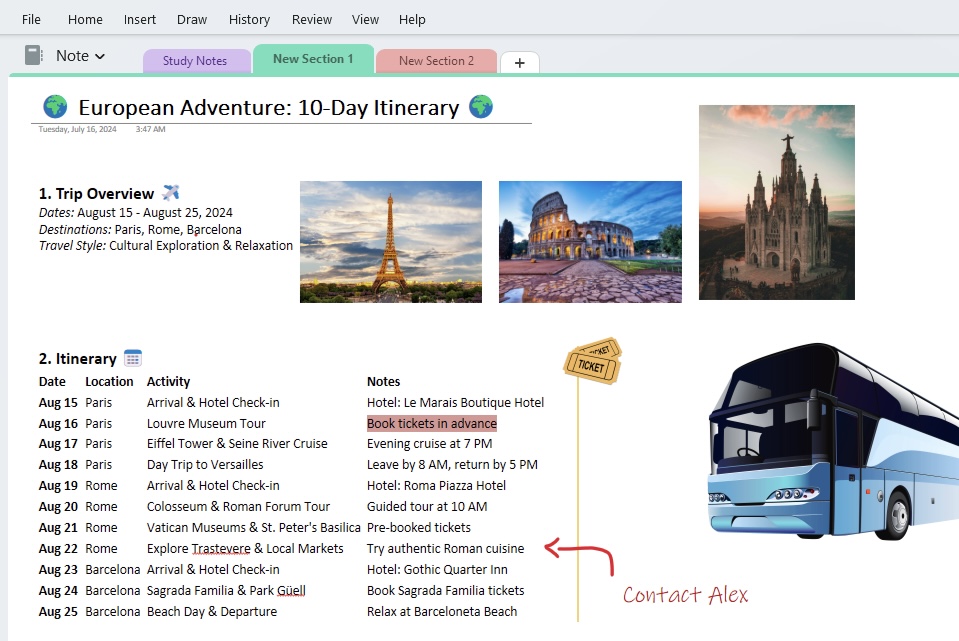
OneNote allows teams to work on a shared digital notebook. You can see each other’s updates in real time and build upon ideas. You can invite teammates to view or contribute to the notes.
Microsoft Word
Microsoft Word is used to create formal documents. It allows users to stick to specific layout standards. It is generally used for creating a legal contract, a thesis, or a resume.
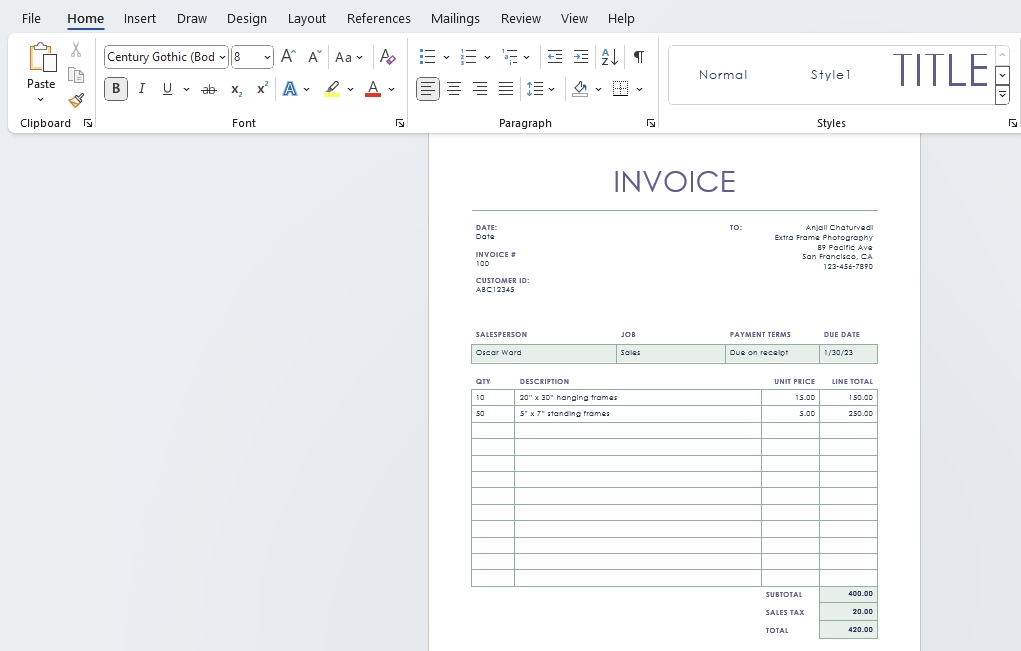
There are advanced features in Word:
- Track changes and comments are useful for revisions or collaborative editing.
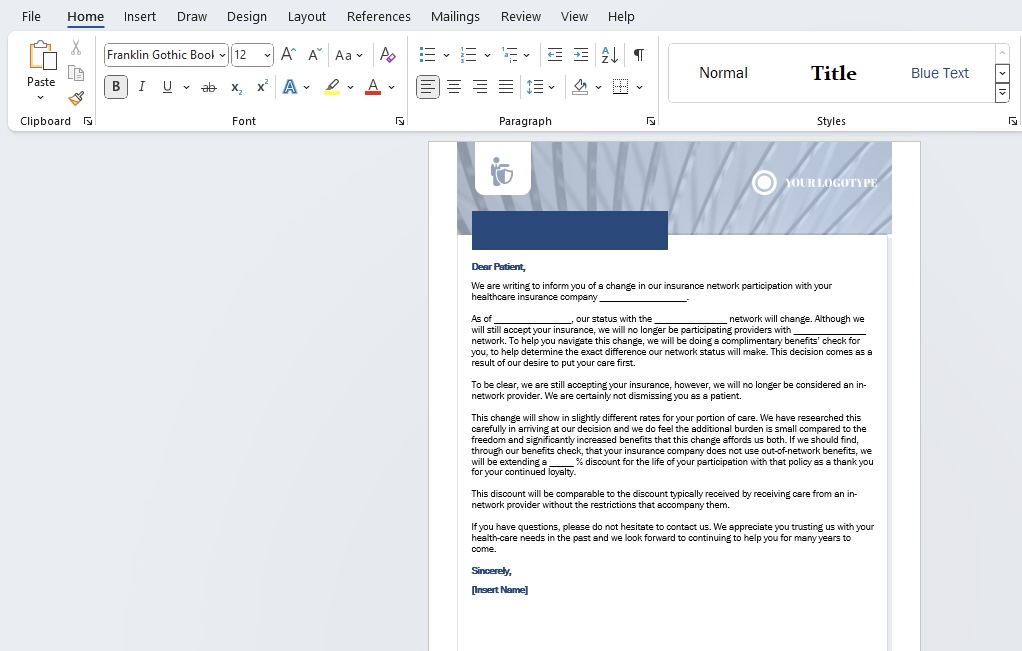
- Mail merge is used for sending out personalized bulk emails.

Side-By-Side Feature Showdown
Layout and Design
- OneNote has a free layout. I can click anywhere and start writing.
- Word has a fixed layout, and I can write in it from top to bottom. It looks like a printed page.
Formatting Features
- Word has many formatting tools that can be used to change fonts, add headings, insert tables, and design pages.
- OneNote has basic formatting. I can bold text, add lists, and insert images. But it does not support advanced design.
Organization
- Word saves content as separate files.
- OneNote uses notebooks and inside each notebooks, I can have sections and pages.
Collaboration
- In Word, people can edit the same document. I can track changes and add comments.
- In OneNote, people can add notes freely. It is more relaxed and less formal.
Multimedia Support
- OneNote supports many types of content. I can add images, audio recordings, drawings, and screenshots.
- Word supports images and basic media only.
FAQs
What is the difference between OneNote and Word?
OneNote is used to write notes and organize ideas. Word is used to create formal documents.
Which application is useful for students?
OneNote is better for taking class notes. Word is better for writing assignments and projects.
Does OneNote save automatically?
Yes, OneNote saves your work automatically without needing to click save.
Is OneNote as Powerful as Word for Professional Writing?
No, OneNote is not as powerful as Word for professional writing. It can be used for note-taking and free-form idea collection, whereas Word is used for creating professional documents.

John Michaloudis is a former accountant and finance analyst at General Electric, a Microsoft MVP since 2020, an Amazon #1 bestselling author of 4 Microsoft Excel books and teacher of Microsoft Excel & Office over at his flagship MyExcelOnline Academy Online Course.

 30 Days - Full Access









