Copilot is available in both desktop and Excel for the web. Both applications offer the same AI features, but the difference lies in how the file is accessed and managed. In this article, you will learn about Copilot in Excel for Web vs Desktop, and which one to use for your task.
Key Takeaways:
- Copilot is available in both Excel for the web and Excel Desktop.
- Both versions support Edit, Chat, and Plan modes.
- Excel for the web is useful for online access and collaboration.
- Excel Desktop supports VBA macros and desktop add-ins.
- The best version depends on your Excel tasks and file requirements.
Table of Contents
Introduction to Copilot in Excel
What is Copilot in Excel?
Copilot in Excel is an AI assistant built into Excel. You describe what you want in plain English, and Copilot will perform that task for you.
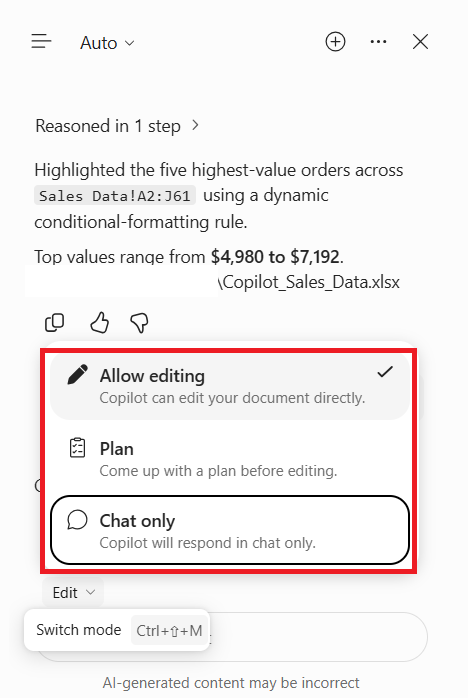
It works in three modes:
- Edit Mode: Make changes to your workbook.
- Chat Mode: Ask questions about your data.
- Plan Mode: Plan complex Excel tasks.
Prerequisites for using Copilot
You will need any one of these licenses to be able to use Copilot:
- A Microsoft 365 Personal or Family plan with AI credits
- A Microsoft 365 Premium plan
- A commercial Microsoft Copilot license
- A business or enterprise Microsoft 365 plan that is eligible for Copilot Chat
What is Copilot in Excel for Web?
Excel for Web is a browser-based version of Microsoft Excel. To use Copilot for Web, you can:
- Open Excel in a browser
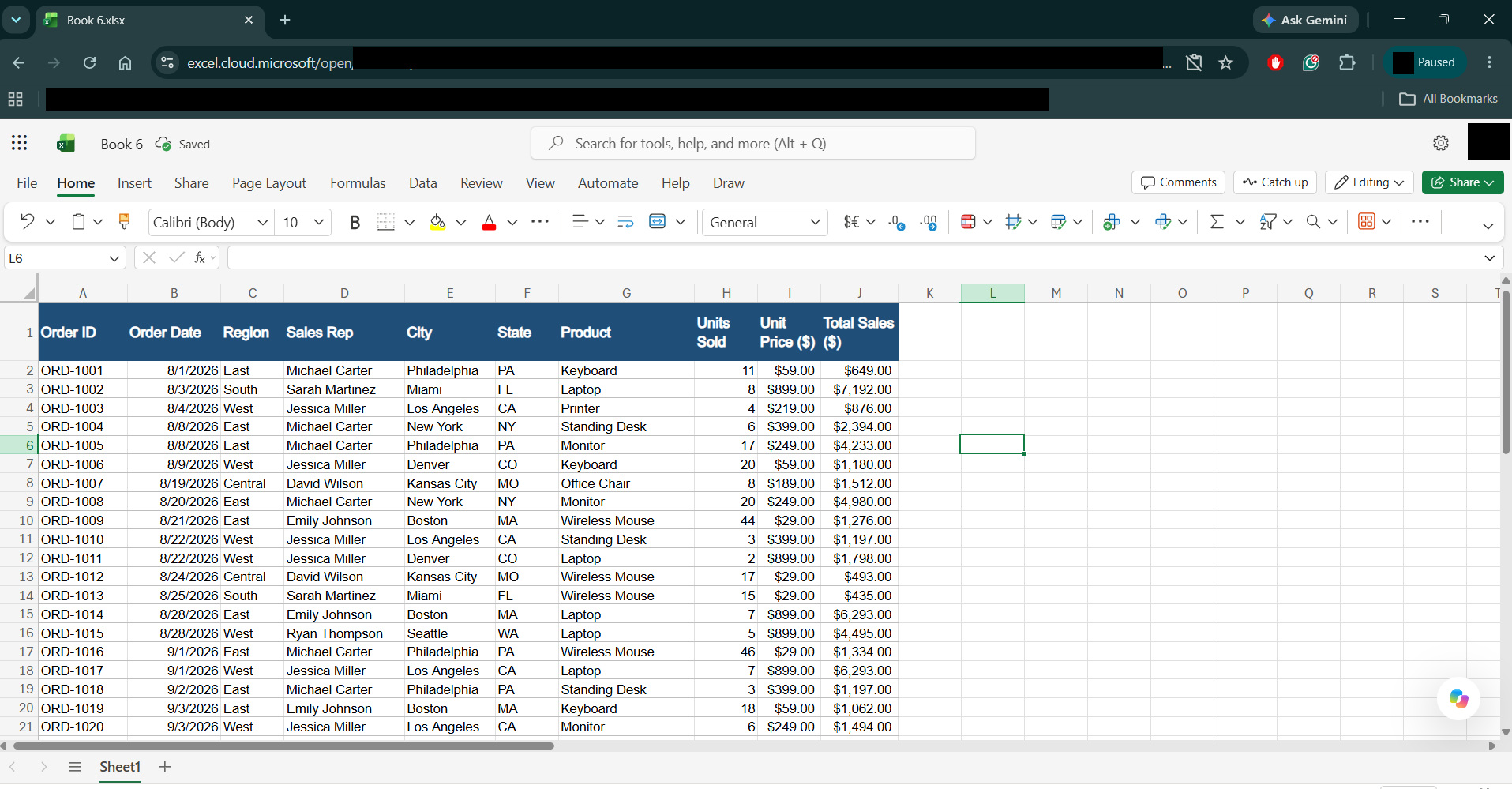
- Select Copilot
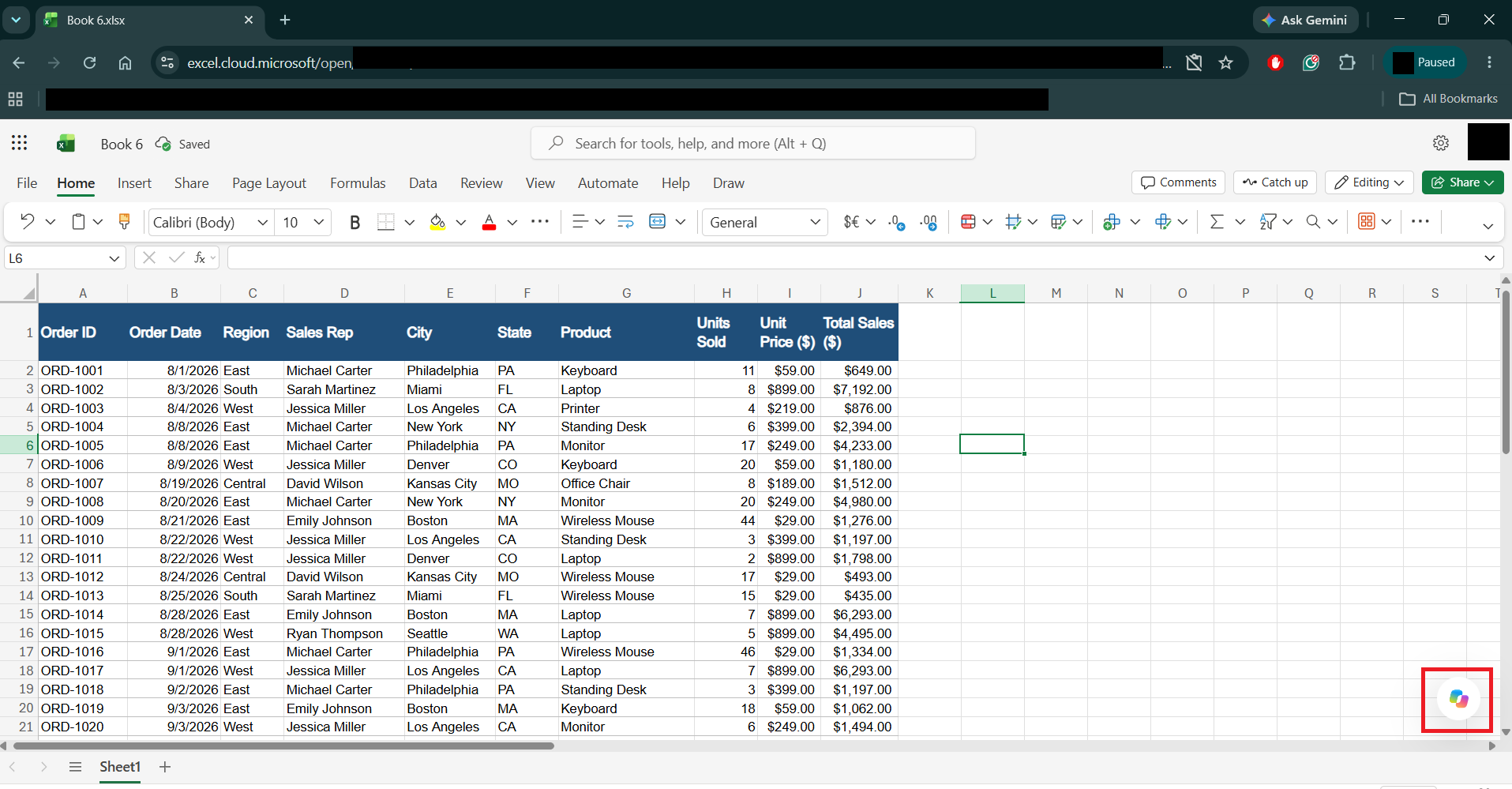
- Type a prompt and press Enter.
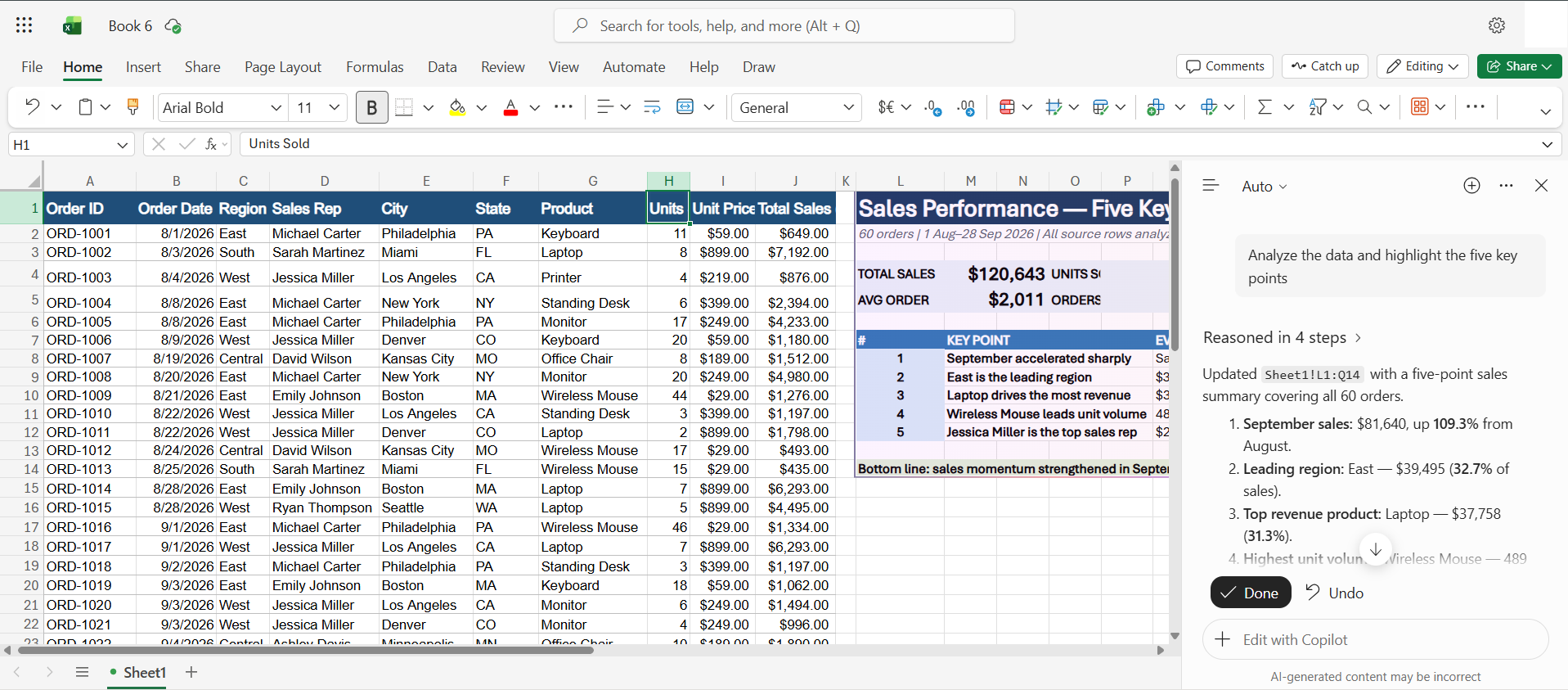
It is a useful application when you want to use a spreadsheet without installing the Excel application. It also makes collaborating with users through OneDrive and SharePoint easier. You can easily access your workbook through different devices.
What is Copilot in Excel Desktop?
Copilot in Excel Desktop is the AI assistant available in the installed Excel application for Windows and Mac. It allows you to use AI features while working with your spreadsheets in the desktop environment. You can ask Copilot to analyze data, generate formulas, create charts, and make changes to your workbook.
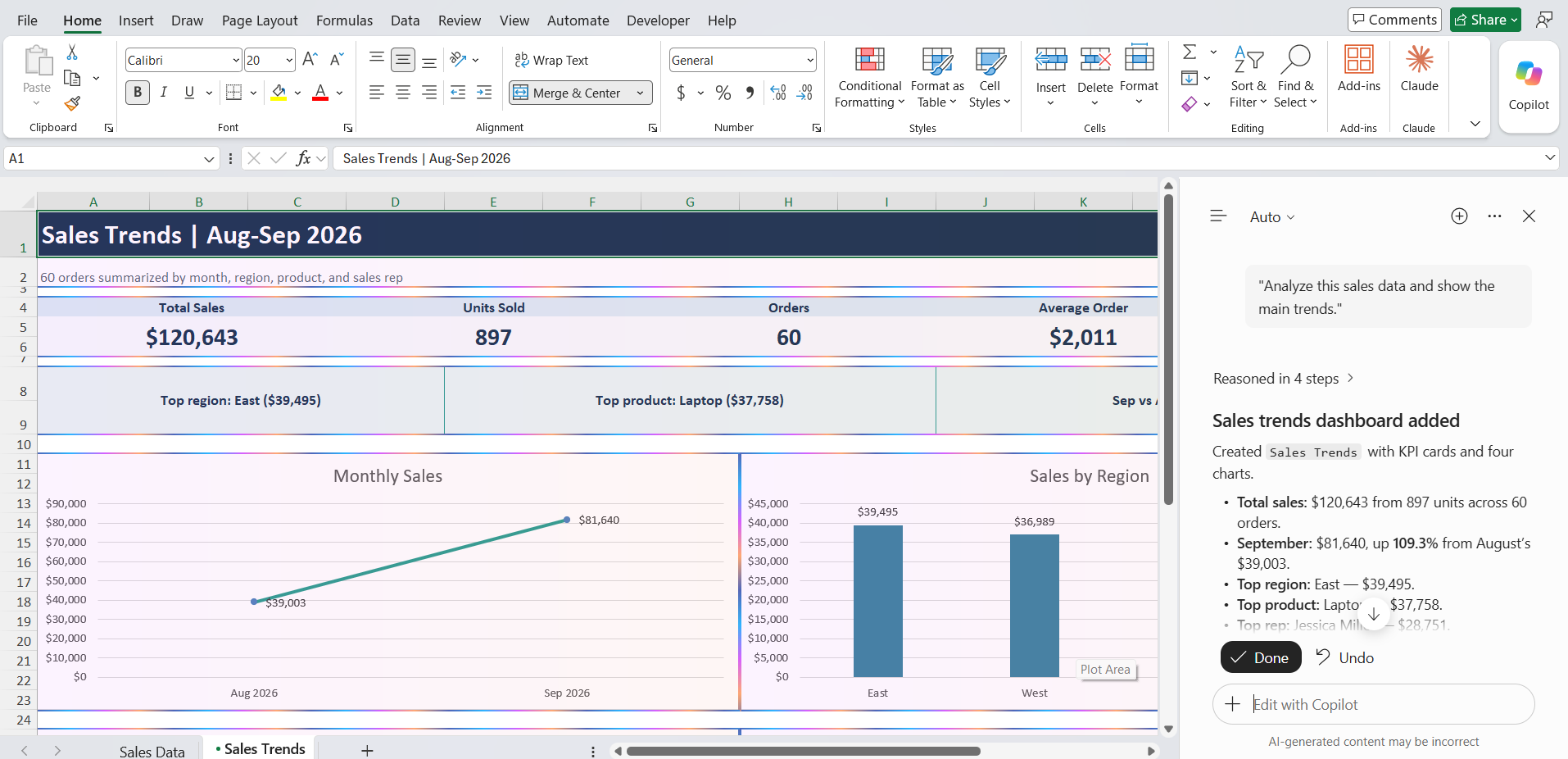
It is useful for users who work with complex spreadsheets, local files, VBA macros, add-ins, and other traditional Excel features.
Copilot in Excel for Web vs Desktop: Feature Comparison
| Feature | Excel for Web | Excel Desktop |
|---|---|---|
| Copilot availability | Yes | Yes |
| Edit, Chat and Plan mode | Yes | Yes |
| Generate formulas | Yes | Yes |
| Analyze data | Yes | Yes |
| Create charts | Yes | Yes |
| Create PivotTables | Yes | Yes |
| Apply conditional formatting | Yes | Yes |
| Work with OneDrive files | Yes | Yes |
| Work with SharePoint files | Yes | Yes |
| Local file support | Browser upload or supported file access | Direct local file access |
| VBA macros | Not supported for execution | Supported in desktop Excel |
| Excel add-ins | Web-supported add-ins | Desktop-supported add-ins |
| Installation required | No | Yes |
FAQs
1. Is Copilot available in Excel for the web?
Yes. You can use Copilot in Excel for the web to analyze data, generate formulas, create charts, and modify your workbook.
2. Is Copilot in Excel for the web the same as Excel Desktop?
Both versions offer similar AI features. However, Excel Desktop supports additional features such as VBA macros and desktop add-ins.
3. Can I use Copilot in Excel without installing Excel?
Yes. You can access Copilot through Excel for the web using a supported browser and an eligible Microsoft 365 or Copilot license.
4. Can Copilot run VBA macros in Excel?
No. Copilot can help you write or explain VBA code, but you need Excel Desktop to run VBA macros.
5. Which version of Excel is better for Copilot?
Excel for Web is useful for online collaboration and quick access. Excel Desktop is better for complex workbooks, VBA macros, and advanced Excel features.

John Michaloudis is a former accountant and finance analyst at General Electric, a Microsoft MVP since 2020, an Amazon #1 bestselling author of 4 Microsoft Excel books and teacher of Microsoft Excel & Office over at his flagship MyExcelOnline Academy Online Course.

 30 Days - Full Access