Microsoft Copilot can help users to write documents, analyze data, summarize meetings, and complete everyday tasks. But as we share business and personal information with Copilot, an important question arises: Is Copilot secure?
In this article, you will learn about Microsoft Copilot security features.
Key Takeaways:
- Microsoft Copilot includes security and privacy protections.
- Copilot respects existing access permissions.
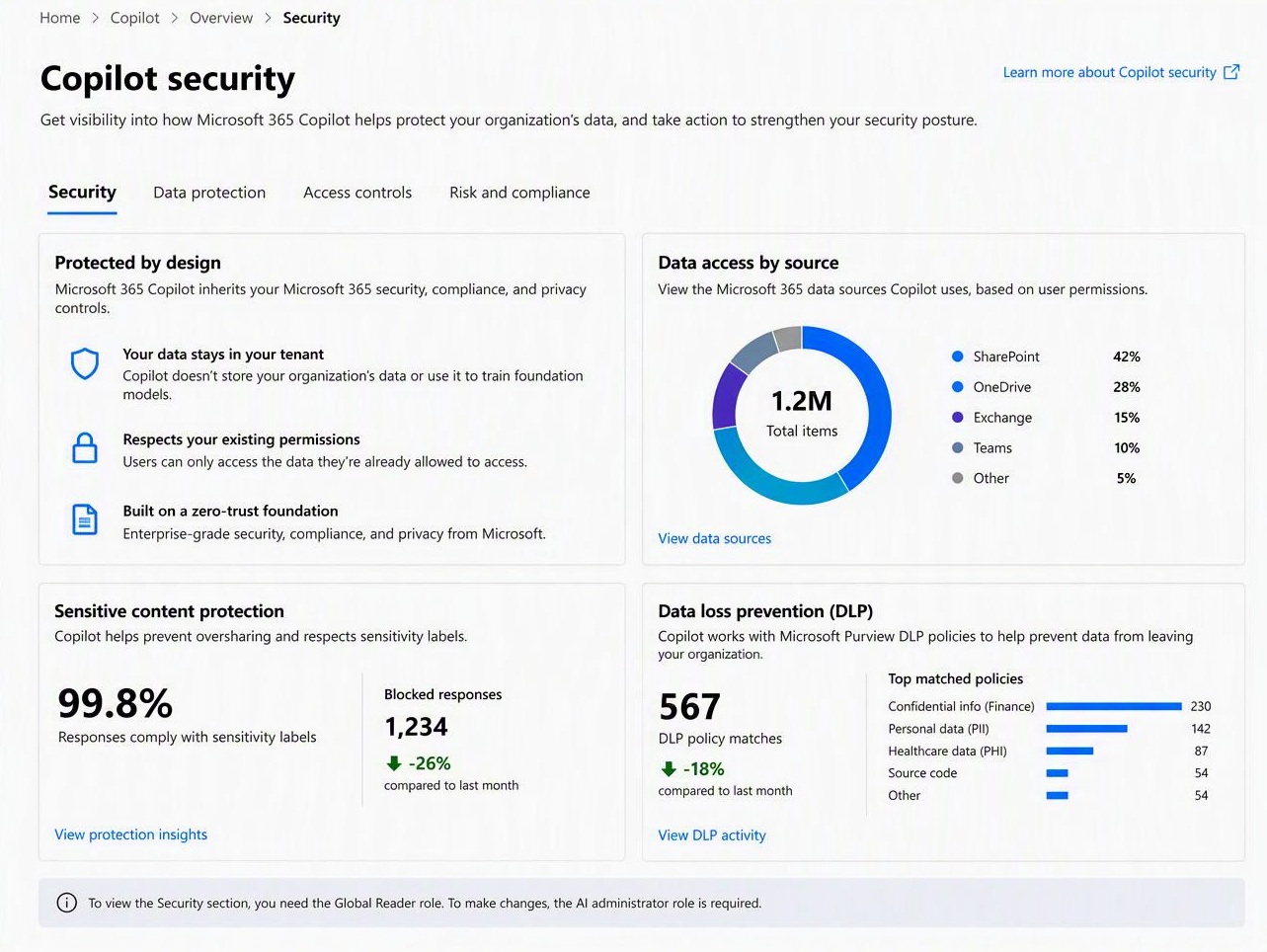
- Administrators can review security information in the dashboard.
- Incorrect permissions can expose confidential data.
- Make sure to verify the response given by Copilot.
Table of Contents
Introduction to Microsoft Copilot Security
What is Microsoft Copilot Security?
Microsoft Copilot security refers to the security measures used to protect information when people use Copilot. Copilot only accesses organizational information that the user is already authorized to access. It respects existing Microsoft 365 security and data-protection controls.
These protections can prevent users from unauthorized access, and also minimise the risks associated with AI-generated content.
Key Features
- Copilot shows information to the user for which it has access. It does not bypass the existing permissions.
- Copilot does not use the data shared by users to train its AI models.
- Prompts and responses are encrypted and stored with your other Microsoft 365 data.
- Copilot respects sensitivity labels on files. If a response uses a labeled file, the response shows that label too.
- Administrators can set policies in Microsoft Purview that stop Copilot from processing sensitive information, like credit card numbers or confidential files.
- Copilot uses filters to detect and block harmful hidden instructions before they reach the AI model.
- Administrators can review Copilot activity in Microsoft Purview and set rules for how long it is kept.
How to Access the Microsoft Copilot Security Dashboard
STEP 1: Open the Microsoft 365 admin center.
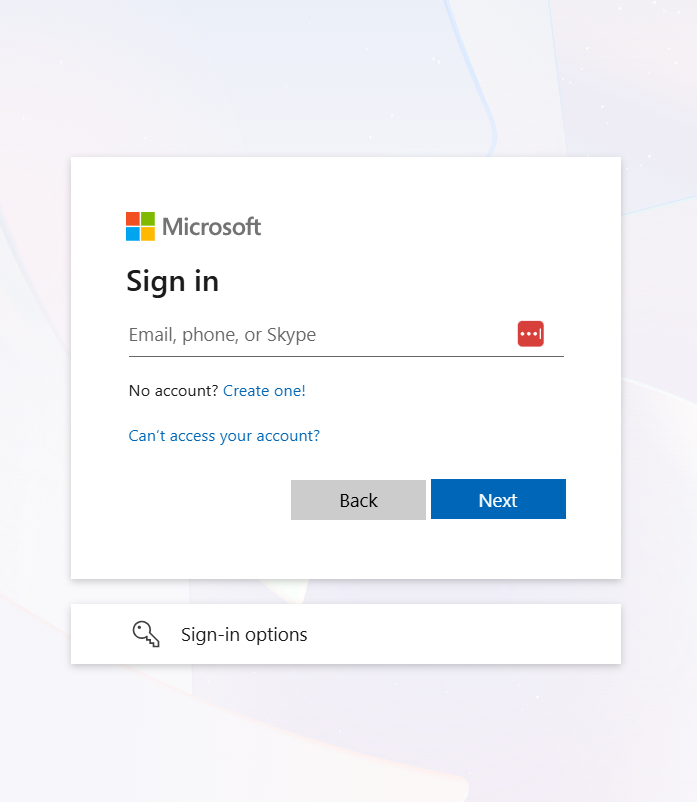
Sign in with your authorized administrator account.
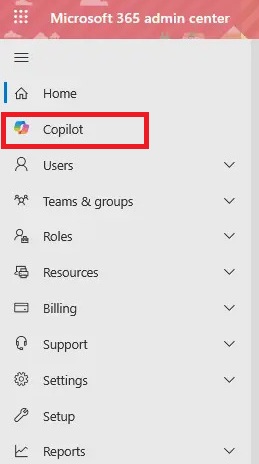
STEP 2: In the left panel, select Copilot.
STEP 3: Go to Overview > Security and review the available security information.
Potential Security Risks of Microsoft Copilot
- Oversharing of Company Data: Incorrect file permissions may allow unauthorized users to access confidential company information through Copilot.
- Accidental Sharing of Sensitive Information: Employees may expose confidential data by entering it into prompts or sharing Copilot responses with the wrong people.
- Incorrect or Misleading Responses: Copilot may generate inaccurate information or calculations that can lead to poor business decisions.
- Third-Party Agents and Connected Services: If your data is connected with external agents, your data may get introduced to additional security risks, as they may have different permissions.
- Unauthorized Account Access: If an employee’s account gets hacked, attackers may gain access to all company information available to that account.
Best Practices for Microsoft Copilot Security
- Make sure to review all file permissions before using Copilot. This will help protect any confidential data in it.
- You should use multifactor authentication to protect data.
- Set data protection policies for sensitive files.
- Make sure to review the response given by Copilot.
- You should train your employees to use Copilot safely.
FAQs
1. Is Microsoft Copilot secure?
Yes, Copilot includes security protections, but safe configuration is important.
2. Does Copilot access confidential files?
It can access files that the user is authorized to access.
3. Does Copilot use company data for training?
Microsoft does not use prompts and responses to train foundation models in covered Microsoft 365 commercial experiences.
4. How can I improve Copilot security?
Review permissions, enable multifactor authentication, and apply data protection policies.
5. What is the Copilot security dashboard?
It helps administrators review Copilot-related security and data protection information.

John Michaloudis is a former accountant and finance analyst at General Electric, a Microsoft MVP since 2020, an Amazon #1 bestselling author of 4 Microsoft Excel books and teacher of Microsoft Excel & Office over at his flagship MyExcelOnline Academy Online Course.

 30 Days - Full Access