Macros and Copilot are two tools in Excel that can be used to cut down manual work. Each tool helps you work faster and more efficiently. However, they work in different ways. In this article, you will learn the difference between Copilot vs Excel Macros.
Key Takeaways:
- Copilot uses AI to help you complete Excel tasks with simple language.
- Macros automate repetitive tasks by recording your actions.
- Copilot is easier for beginners, while Macros have a steeper learning curve.
- Macros are better for repetitive tasks.
- You can use both Copilot and Macros together for better results.
Table of Contents
Introduction to Macros and Copilot
What is Excel Copilot?
Copilot is an AI assistant available inside Excel. You can type the request in simple language. Copilot will read and do the work for you. It is a great tool to perform tasks, as you do not need to know formulas.
What are Excel Macros?
Macros are a recorded set of steps. You can perform the task once, and Excel records each step. A macro will perform the same sequence of actions whenever you run it. It is useful for repetitive work.

Copilot vs Excel Macros
- Purpose – Copilot is used as an AI assistant in Excel. Macros are used for repetitive tasks.
- Input – Copilot requires the task description in simple language. For macros, you have to record the task.
- Coding – There is no coding required for Copilot. But for macros, you may sometimes require knowledge of coding.
- Flexibility – Copilot can adapt to requests. Macros follow fixed steps.
- Learning Curve – Copilot is very easy to use, but Macros require some knowledge of VBA.
When to Use Copilot
Use Copilot when you want to:
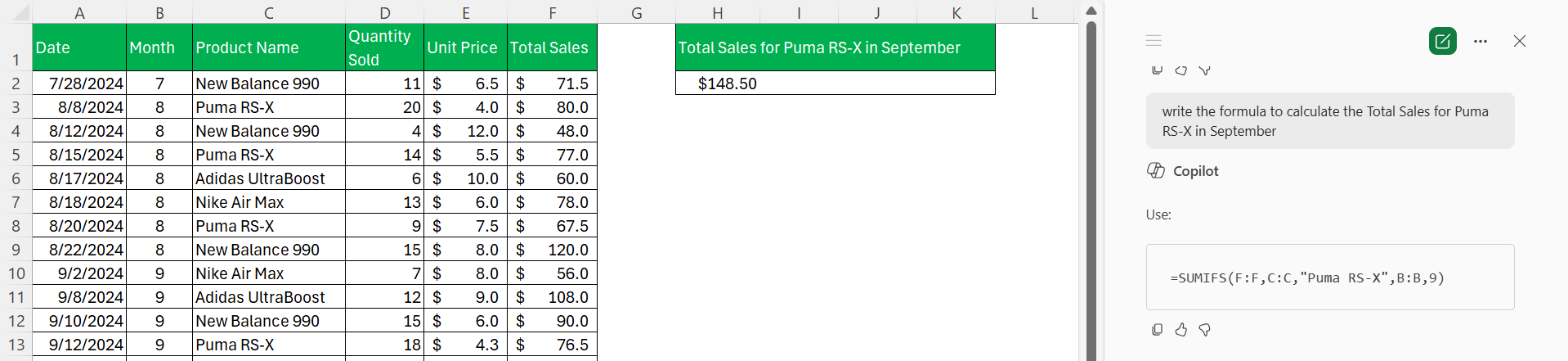
- Create formulas quickly.
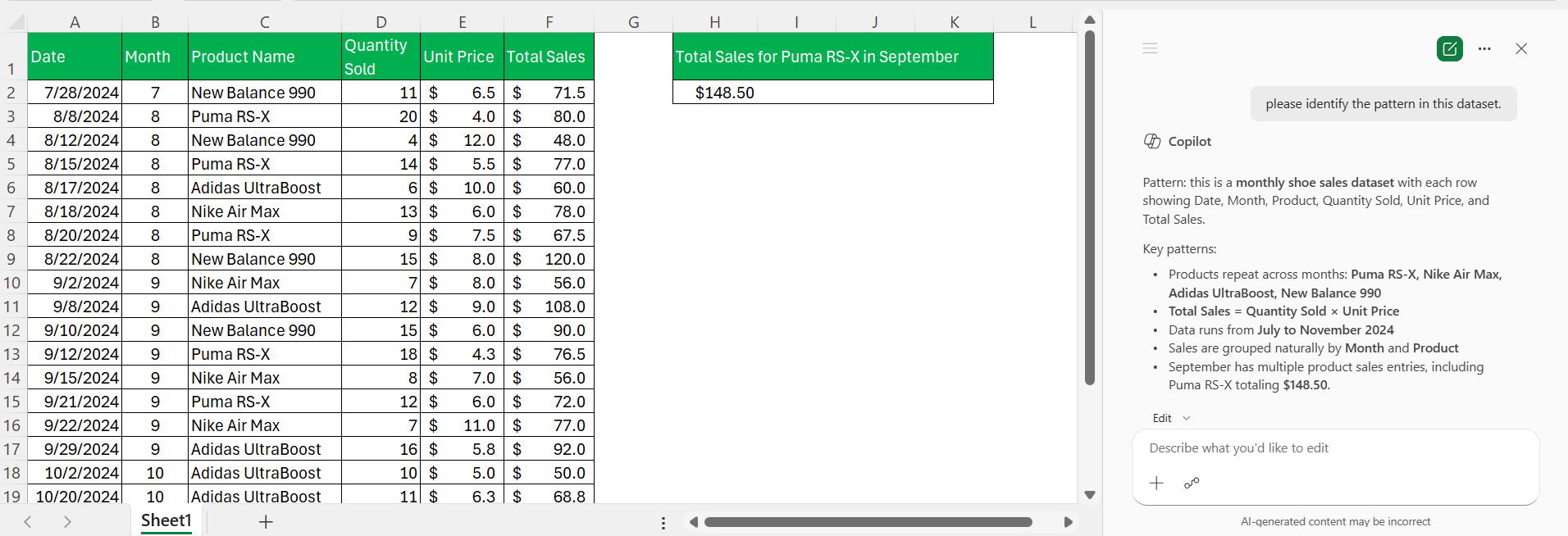
- Summarise large datasets.
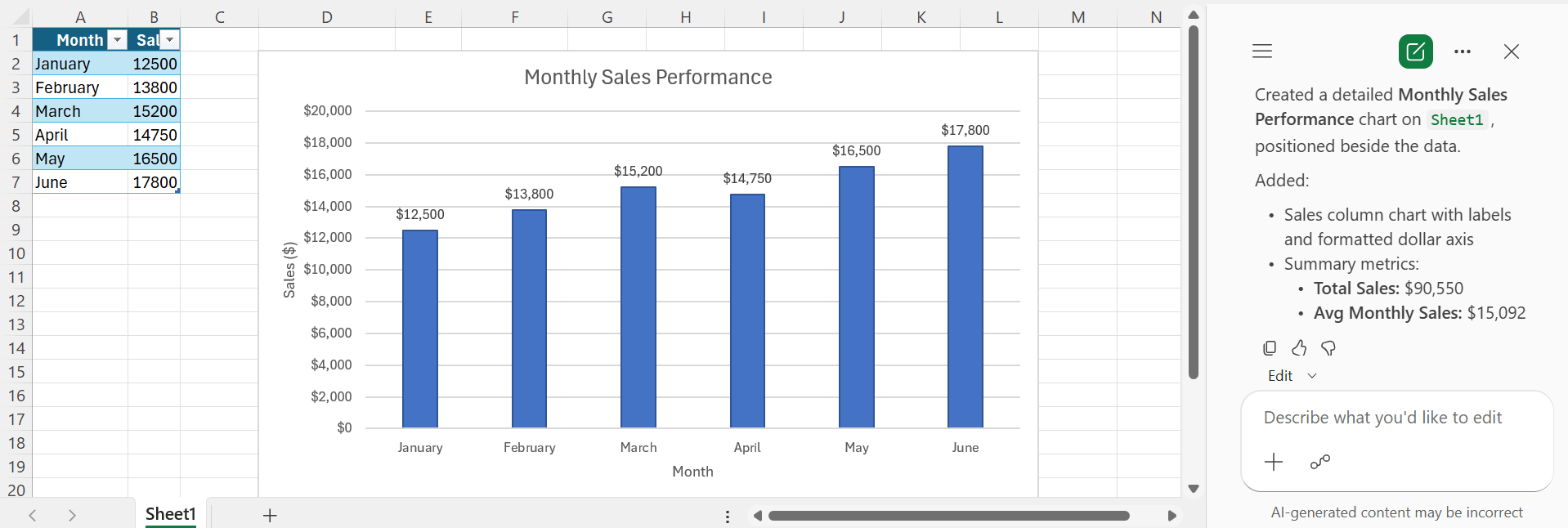
- Generate charts.
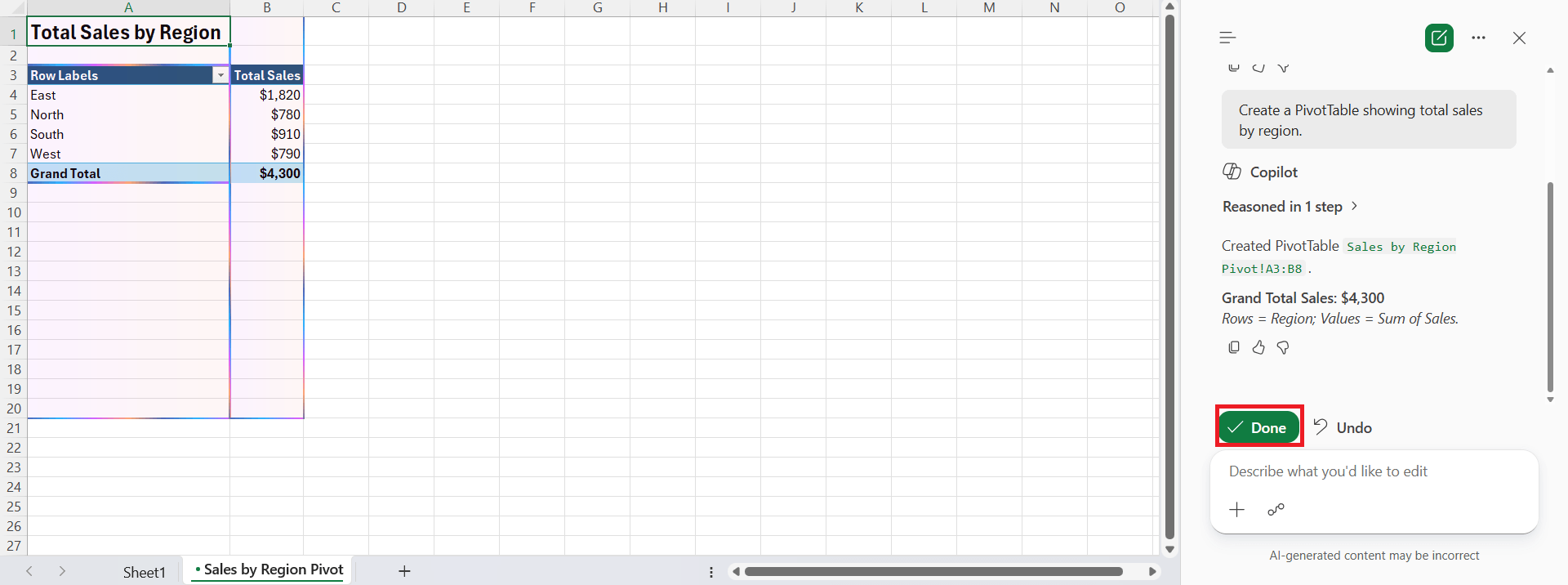
- Create Pivot Tables.
When to Use Macros
Use Macros when you need to:
- Format reports every day.
- Clean data using the same steps.
- Generate recurring reports.
- Automate repetitive processes.
- Save time on manual work.
Which One Should You Choose?
- Choose Copilot if you want to analyse data or create formulas.
- Choose Macros if you want to automate repetitive tasks.
Copilot and Macros work well together. Copilot can help you understand data and suggest formulas. Macros can automate tasks that you perform regularly. Using both gives you the benefits of AI and automation.
FAQs
1. What is the main difference: Copilot vs Excel Macros?
Copilot is an AI assistant that responds to natural language prompts. Macros automate a fixed sequence of recorded or programmed actions.
2. Do I need coding knowledge to use Copilot?
No. You can use Copilot by typing your request in plain English. No coding is required.
3. Can I create Macros without writing VBA code?
Yes. You can record a Macro without coding. However, editing or creating advanced Macros may require VBA.
4. Which tool is better for repetitive tasks?
Macros are the better choice for repetitive tasks. They perform the same steps consistently every time you run them.
5. Can we use Copilot and Macros together?
Yes, both Copilot and Macros can be used together.

John Michaloudis is a former accountant and finance analyst at General Electric, a Microsoft MVP since 2020, an Amazon #1 bestselling author of 4 Microsoft Excel books and teacher of Microsoft Excel & Office over at his flagship MyExcelOnline Academy Online Course.

 30 Days - Full Access









